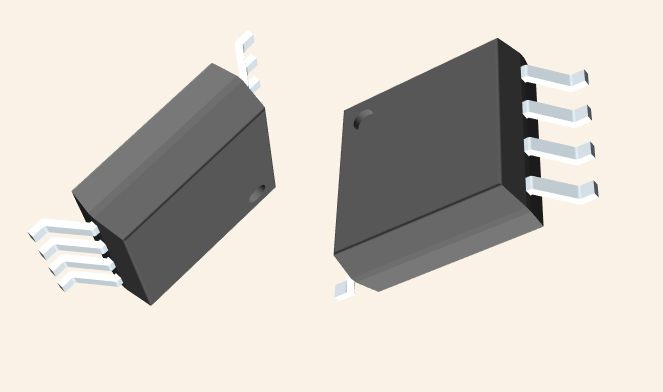
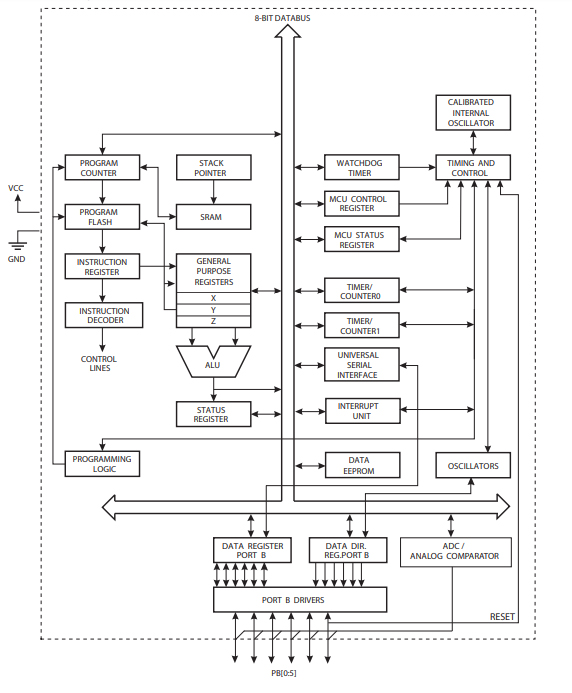
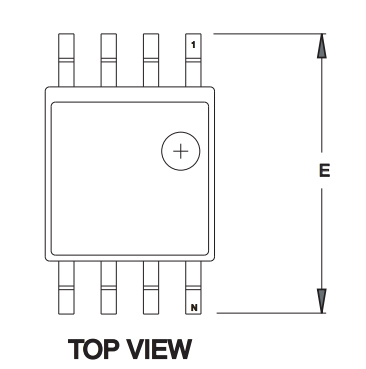
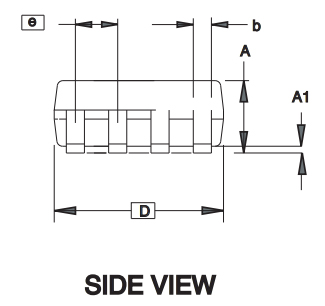
Like any other controller, ATTINY45 works based on application program, i.e. execute the application program saved in its memory.
The procedure to program an ATTINY45 microcontroller is described below:
1. First list the functions to be executed by controller.
2. Write the functions in programming language in IDE programs.
You can download the IDE program for free in company websites. IDE program for AVR controllers is ‘ATMEL STUDIO’. Link for ATMELSTUDIO is given below.
(Usually Atmel Studio 6.0 for Windows7 [http://atmel-studio.software.informer.com/6.0/], Atmel Studio 7 for Windows10 [https://www.microchip.com/avr-support/atmel-studio-7])
3. After writing the program compile it to eliminate errors.
4. Make the IDE generate HEX file for the written program after compiling.
5. This HEX file contains the machine code which should be saved in controller flash memory.
6. Choose the programming device (usually SPI programmer made for AVR controllers) which establishes communication between PC and ATTINY45. Programming ATTINY45 can also be done by using ARDUINO boards.
7. Run the programmer software and choose the appropriate hex file.
8. Burn the HEX file of written program in ATTINY45 flash memory using this program.
9. Disconnect the programmer, connect the appropriate peripherals for the controller and get the system started.